





How Ratio Affects the Perceived Size of a Diamond
Two diamonds sitting side by side on a jeweler’s tray can weigh the same yet look completely different in size. One appears noticeably larger, and most people assume the difference must be in carat weight. In reality, the stones may weigh the same.
The difference comes down to how each diamond was cut, and more specifically, to the length-to-width ratio that shapes its outline. This single proportion, listed on every grading report, influences how much of your finger the diamond covers and how large the diamond appears once the ring is worn.

The length-to-width ratio determines how a diamond's mass is distributed across the visible surface, and understanding it is one of the most practical ways to get more visual impact for your budget
What Length-to-Width Ratio Actually Tells You
Each diamond has a measurable length and width. Dividing the length by the width provides the ratio. A square or round stone has a ratio close to 1.00, while higher ratios indicate a more elongated shape. For example, a 1.40 ratio means the stone is 40% longer than it is wide.
The face-up footprint of a diamond, or its visible surface area, varies depending on how the carat weight is distributed. A stone with greater weight near the top appears larger than one with greater mass at depth. The ratio helps estimate the distribution of weight between horizontal spread and vertical depth.

The ratio is simply the diamond's length divided by its width, a 1.40 ratio means the stone is 40% longer than it is wide.
Elongated Shapes and the Size Advantage
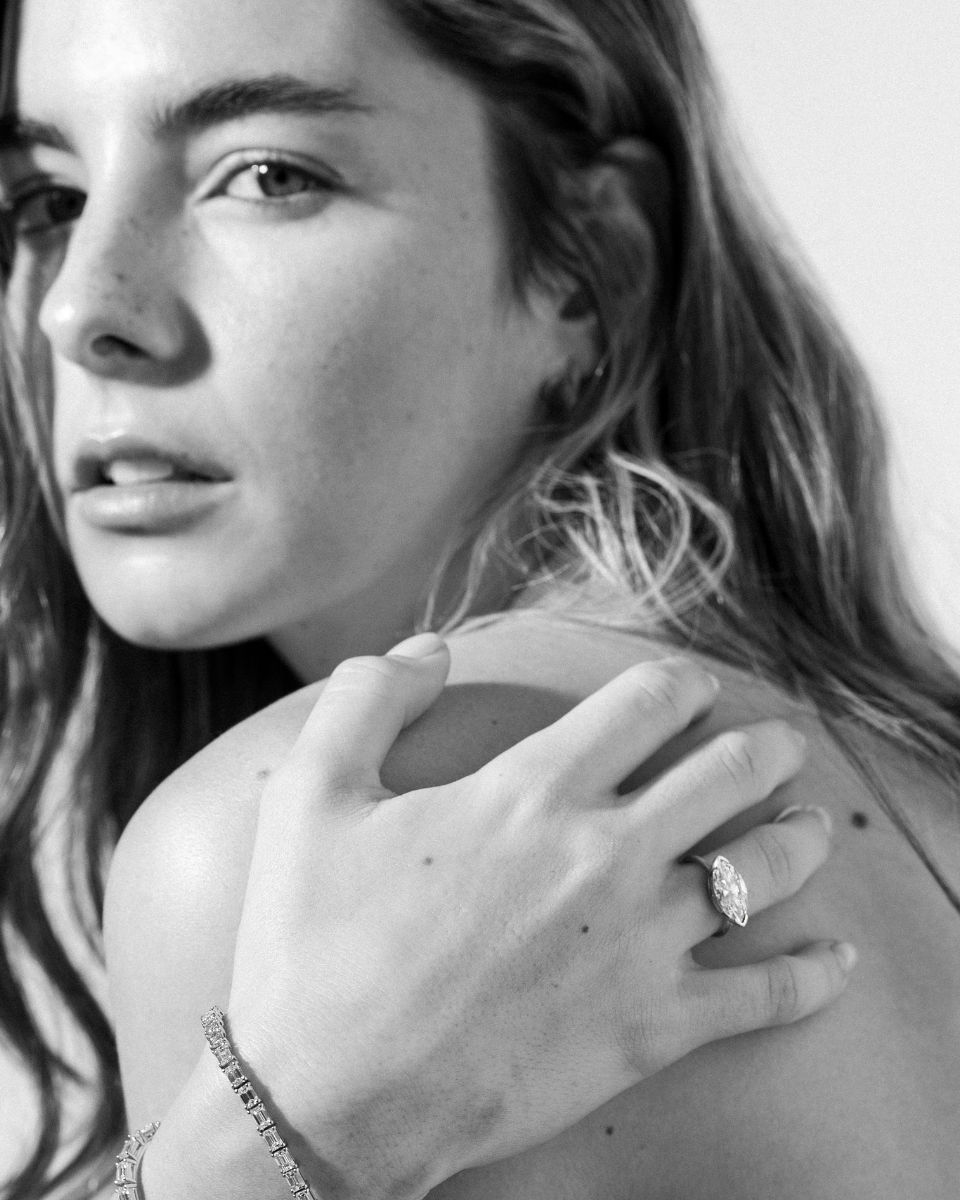
Fancy shapes with higher ratios consistently face up larger than round brilliants of the same carat weight. A 1-carat round brilliant measures about 6.5mm in diameter. A 1-carat marquise, by comparison, stretches to roughly 10mm by 5mm, making it nearly 54% longer.
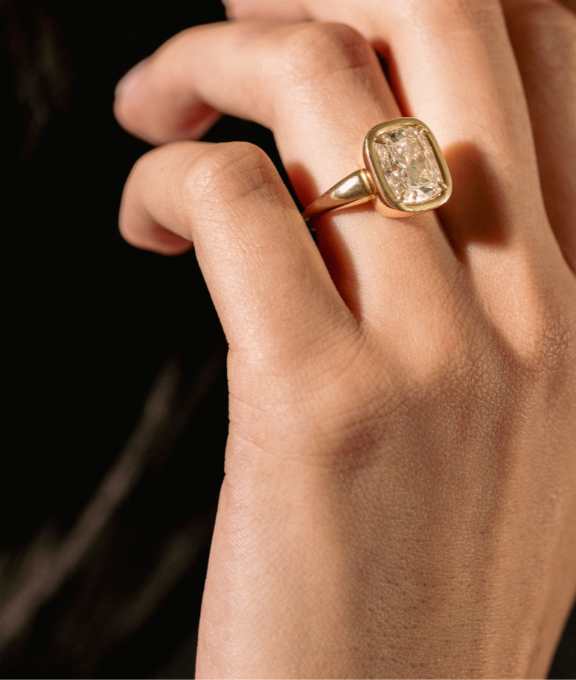
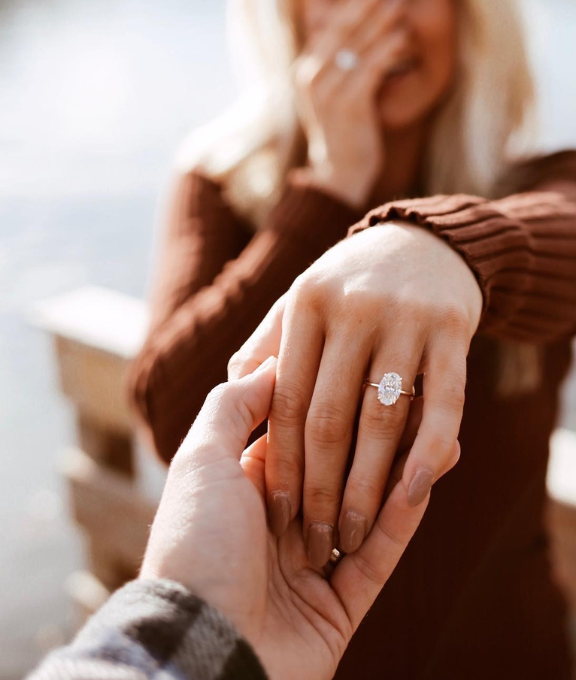
That extra length translates into visible size. A marquise can appear up to 30% larger than a round of the same weight. Ovals fall somewhere in between. A 1-carat oval typically measures about 7.7mm by 5.7mm and appears roughly 10 to 15% larger than a comparable round.
The reason comes down to weight distribution. In elongated cuts, more of the carat weight spreads across the table instead of being hidden in the depth of the stone. That creates a larger face-up surface, which is the angle people see once the ring is worn.

Elongated fancy shapes consistently face up larger than round brilliants of the same carat weight.
Preferred Ratios for Common Shapes
|
Diamond Shape |
Typical Ratio Range |
Visual Impression |
|
Round Brilliant |
1.00-1.03 |
Nearly perfectly round appearance |
|
Oval |
1.30-1.40 |
Balanced elongated oval |
|
Oval (Slender) |
1.41-1.50 |
Longer, more stretched look |
|
Princess |
1.00-1.04 |
Square profile with sharp corners |
|
Elongated Cushion |
1.15-1.40 |
Soft rectangular cushion shape |
|
Asscher |
1.00-1.05 |
Square step-cut appearance |
A GIA survey from 2009 found that both consumers and trade professionals preferred narrower, more elongated proportions than those frequently submitted to laboratories. Higher ratios within these ranges often produce a larger visual spread, which many buyers find appealing when comparing stones.
How Depth and Table Percentages Play Into This
|
Diamond Shape |
Recommended Depth % |
Recommended Table % |
|
Round Brilliant |
59%-62.9% |
53%-58% |
|
Oval |
58%-62% |
53%-63% |
|
Elongated Cushion |
Not strictly defined |
Girdle thickness also plays a role. A thick girdle adds weight in an area that becomes invisible once the diamond is set, resulting in a carat weight that is not visible. A medium-to-slightly thick girdle is generally preferred to balance durability and visible size.
Settings That Increase Perceived Size
Ring settings can influence how large a diamond appears. Several design choices affect perceived size:
-
Halo settings: Surrounding the center stone with smaller diamonds can make it appear up to half a carat larger.
-
4-prong settings: These expose more of the diamond’s surface than 6-prong settings, increasing the diamond’s visible spread.
-
Bezel settings: A reflective frame around the stone can enhance its apparent size.
Band width also influences the effect:
-
Slim bands: Create contrast and make the center stone appear larger.
-
Wide bands: Can visually reduce the apparent size of smaller diamonds.
Making Ratio Work in Your Favor
A 0.9-carat oval with a higher length-to-width ratio can appear larger than a 1-carat oval with a lower ratio. Choosing a slightly smaller stone with well-chosen proportions may provide similar visual presence, improved light performance, and potential cost savings.
When comparing stones, consider the following:
-
Millimeter dimensions
-
Carat weight
-
Depth percentage
-
Table percentage
-
How the setting interacts with the stone’s outline
These factors determine how large a diamond actually appears on the hand. They are far more useful than carat weight alone when you are trying to get the most visible diamond for your budget.



Leave a comment (all fields required)